Publish to Wix
Install the Aranx app on your Wix site and Aranx publishes each article to your Wix blog, with its images, on the schedule you set.
Install the Aranx app on your Wix site and Aranx publishes each article to your Wix blog, with its images, on the schedule you set.
Add, edit, and remove the customer profiles Aranx writes for. Each website keeps 1 to 5 profiles in Business Memory → Customers.
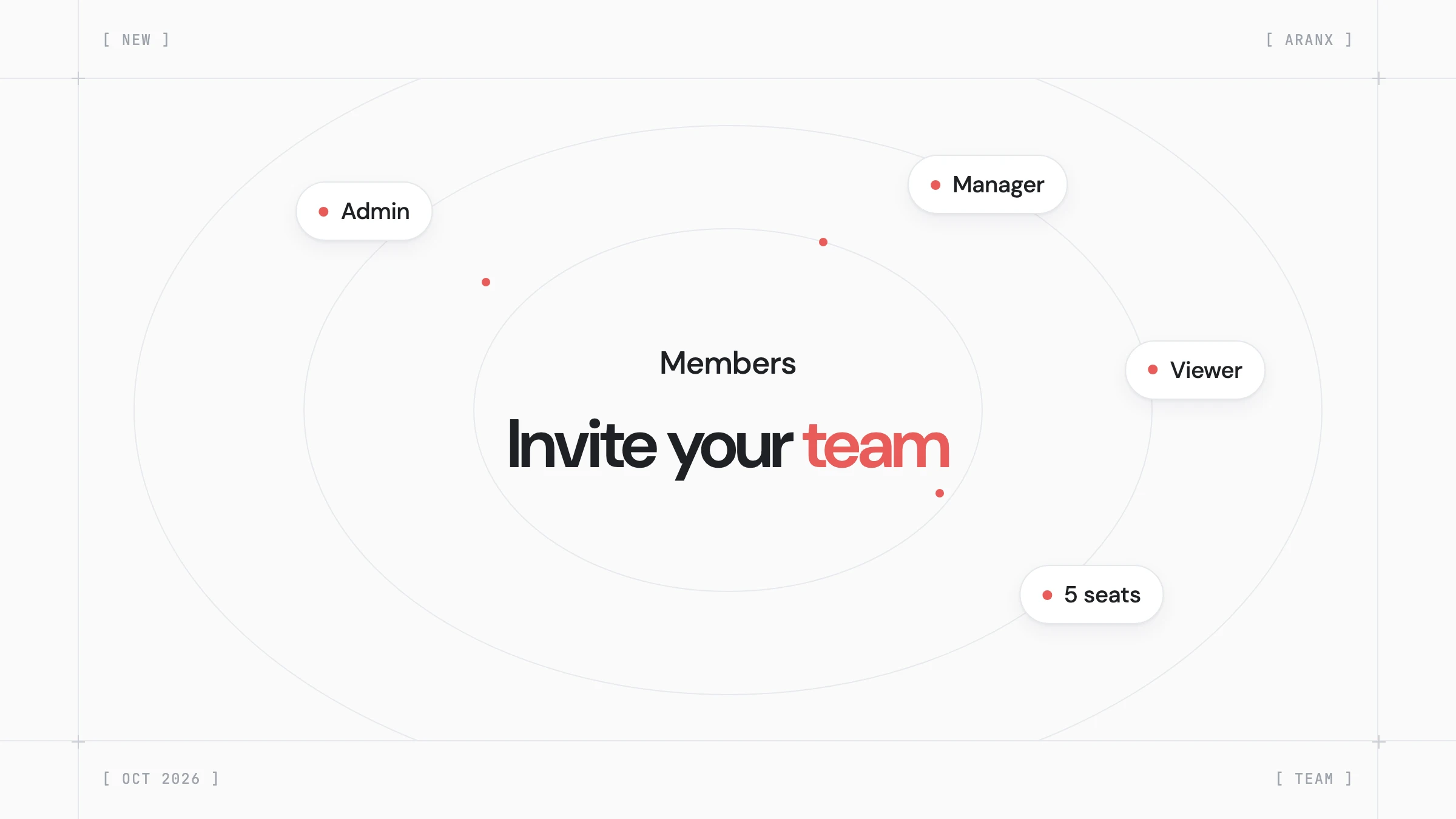
Add up to 5 people to your Aranx account and give each one the admin, manager, or viewer role.
Article Settings is now the Settings tab in Articles. Business Memory has its own sidebar section with Brand, Competitors, Customers, and Products.
Click Continue with Google on the sign-in page to log in or create your Aranx account without waiting for an email link.
Connect Search Console to see your Google clicks, impressions, and positions for the last 28 days in Aranx. You can also log in with your Google account.
Aranx assigns each new keyword to one of your customer profiles and writes the article for that reader, from current search results and original sources.
Turn on infographics in Articles → Settings → Images, and Aranx draws a chart or diagram for a section when its figures or steps read better as a graphic.
Connect your Webflow site and Aranx adds each article to your blog collection. Publish, save a draft, or schedule it from Aranx.
Select Email me when it's done on the Business Research card, and Aranx emails you when your website research is ready or needs your attention.
When Aranx cannot publish an article, the email now shows the article's image, title, and website, and explains the error in plain text.
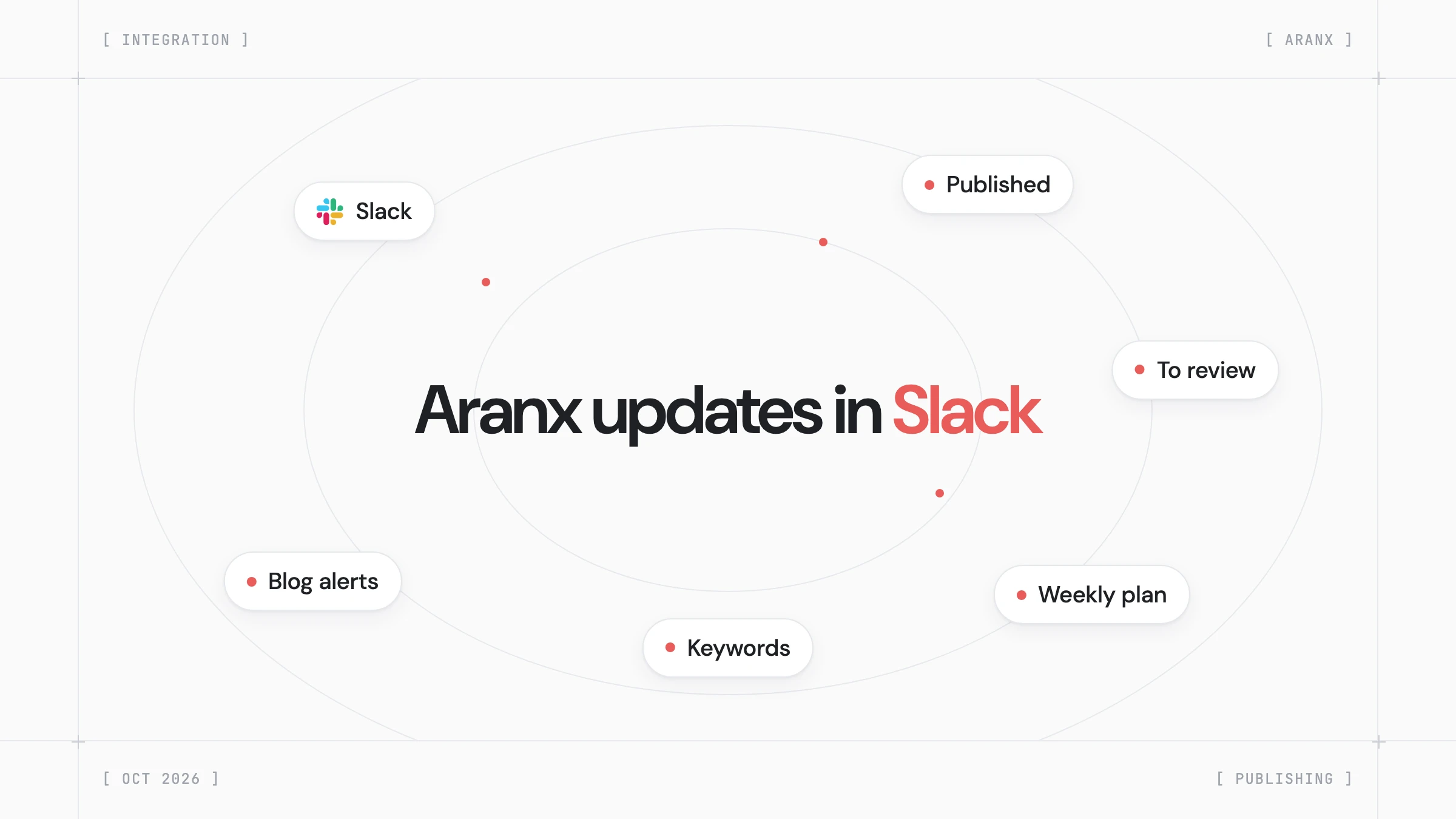
Pick a Slack channel and Aranx posts new articles, articles to review, and blog alerts there. You can read, publish, or schedule an article without leaving Slack.
Set brand mentions per content strategy, from no mention to a direct recommendation next to named alternatives. Find it on each card in Content Strategies.
Turn on the FAQ in Articles → Settings → Structure, and each new article ends with 3 to 6 questions people search for, answered from its research.
If your WordPress site disconnects, the Aranx plugin keeps your post changes and sends them when the site reconnects. Aranx also tells you when a plugin update is out.
Turn on the table of contents in Articles → Settings → Structure, and each new article lists links to its sections before the first section.
See every website that links to yours, with the links you gained and lost, in Visibility → Backlinks. On paid plans, Aranx updates the report every week.
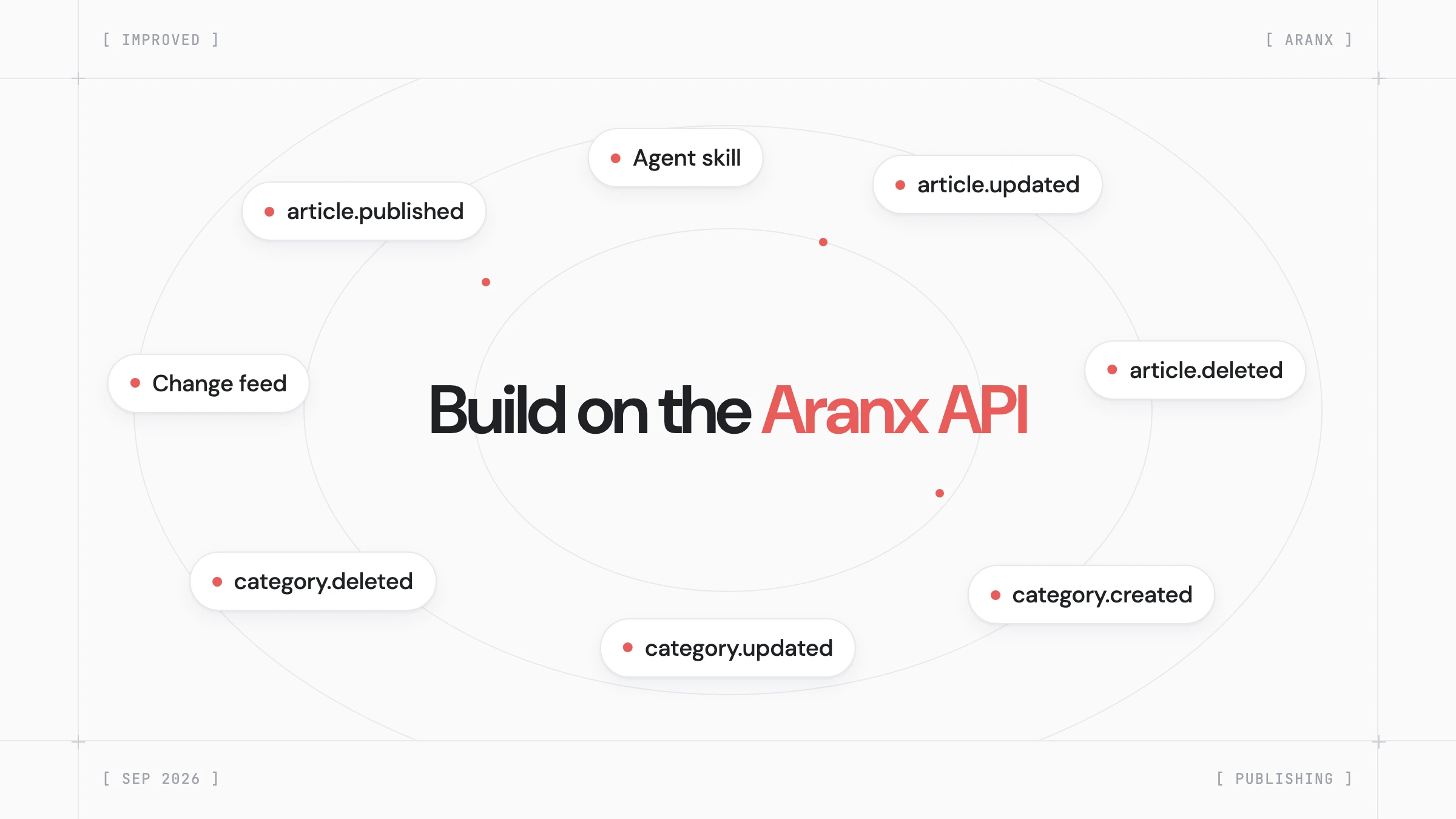
Custom sites on the Aranx API now get signed webhooks for 6 article and category events, and a change feed that keeps your copy in sync.
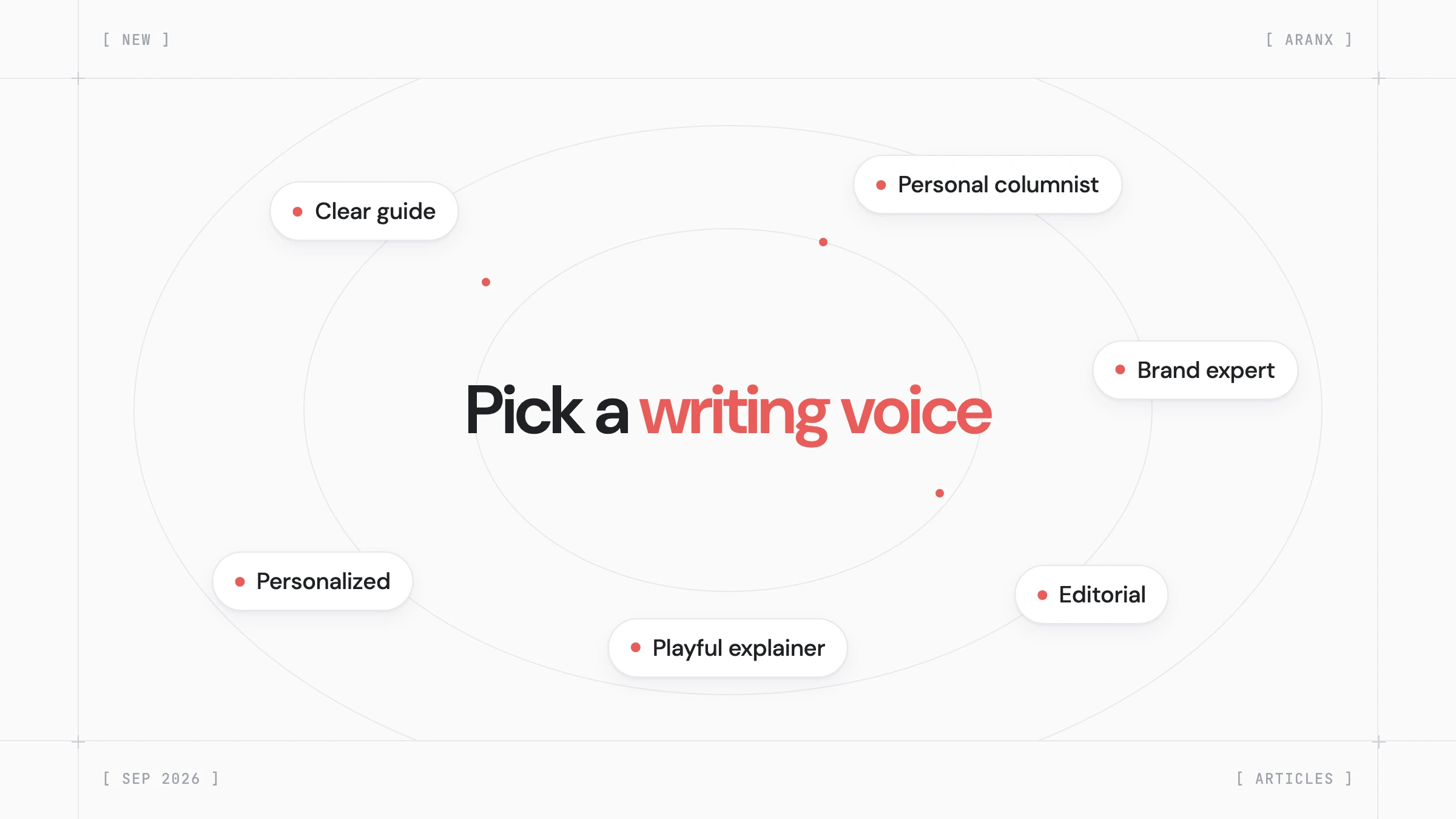
Pick one of 5 writing voices in Articles → Settings → Style, or build your own. Aranx writes every new article in the voice you choose.
In Articles → Settings → Structure, set a meta title limit from 40 to 60 characters and add your brand name before or after every title.
Enter your website URL and start using Aranx right away. Aranx researches your brand, products, competitors, and audiences, then plans your first 30 keywords.
Pick from 10 content strategies made for your business category in Content Studio → Content Strategies. Aranx plans keywords and articles only from the strategies you turn on.
Turn on the article summary in Articles → Settings → Structure, and each new article gets 2 to 5 short bullets with its main answers after the introduction.