Custom sites on the Aranx API now get signed webhooks for 6 article and category events, and a change feed that keeps your copy in sync.
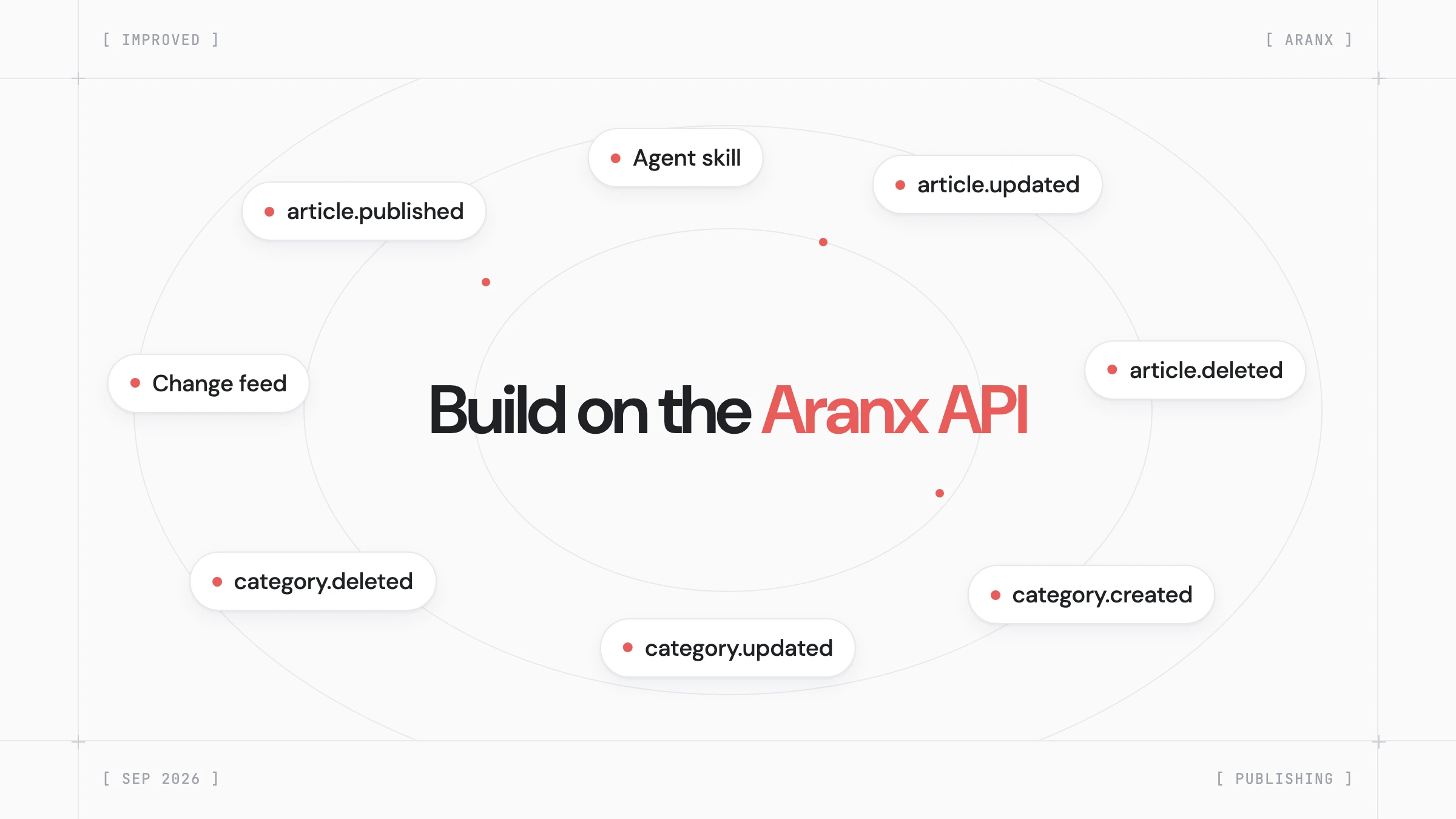
An API connection lets a custom site fetch Aranx articles with an API key. Aranx now tells your site about each change, so it does not need to poll.
Webhook Endpoint
We'll send a POST request to this URL when new articles are published.
Must be an HTTPS endpoint.
Webhook Signing Secret
Use this secret to verify webhook signatures on your server.
arx_whsec_••••••••••••••••••••••••••Regenerate Secretarticle.published, article.updated, and article.deleted cover new, edited, restored, and trashed articles.category.created, category.updated, and category.deleted fire when you change categories in Aranx.GET /api/v1/public/articles?updated_after= lists every change since your last sync. Add include_deleted=true to get trashed articles.PATCH /api/v1/public/articles/:id sets the article's status and live URL in Aranx.npx skills add https://docs.aranx.com installs a skill that teaches your coding agent the API and webhooks.The API Connection page now holds the webhook endpoint, signing secret, publishing method, and Recent Deliveries with Resend. A failed delivery explains the cause, for example "The endpoint returned HTTP 404 Not Found. Check the URL path."
article.published
9/28/2026, 10:42:18 AM
Status
FAILEDHTTP code
404
Duration
212 ms
Error
The endpoint returned HTTP 404 Not Found. Check the URL path.
Article
How to pick a rug for a small living room
Reconstructed request body
{
  "event": "article.published",
  "website_id": "wb_northwind",
  "timestamp": "2026-09-28T08:42:18.204Z",
  "article_id": "cm5n0rthw1nd42",
  "requested_status": "published"
}Select Blog Connection under Publishing in the sidebar, then select Generate API Key on the API card. On the API Connection page, enter your endpoint URL, select Save, then select Send Test Event.

