Pick one of 5 writing voices in Articles → Settings → Style, or build your own. Aranx writes every new article in the voice you choose.
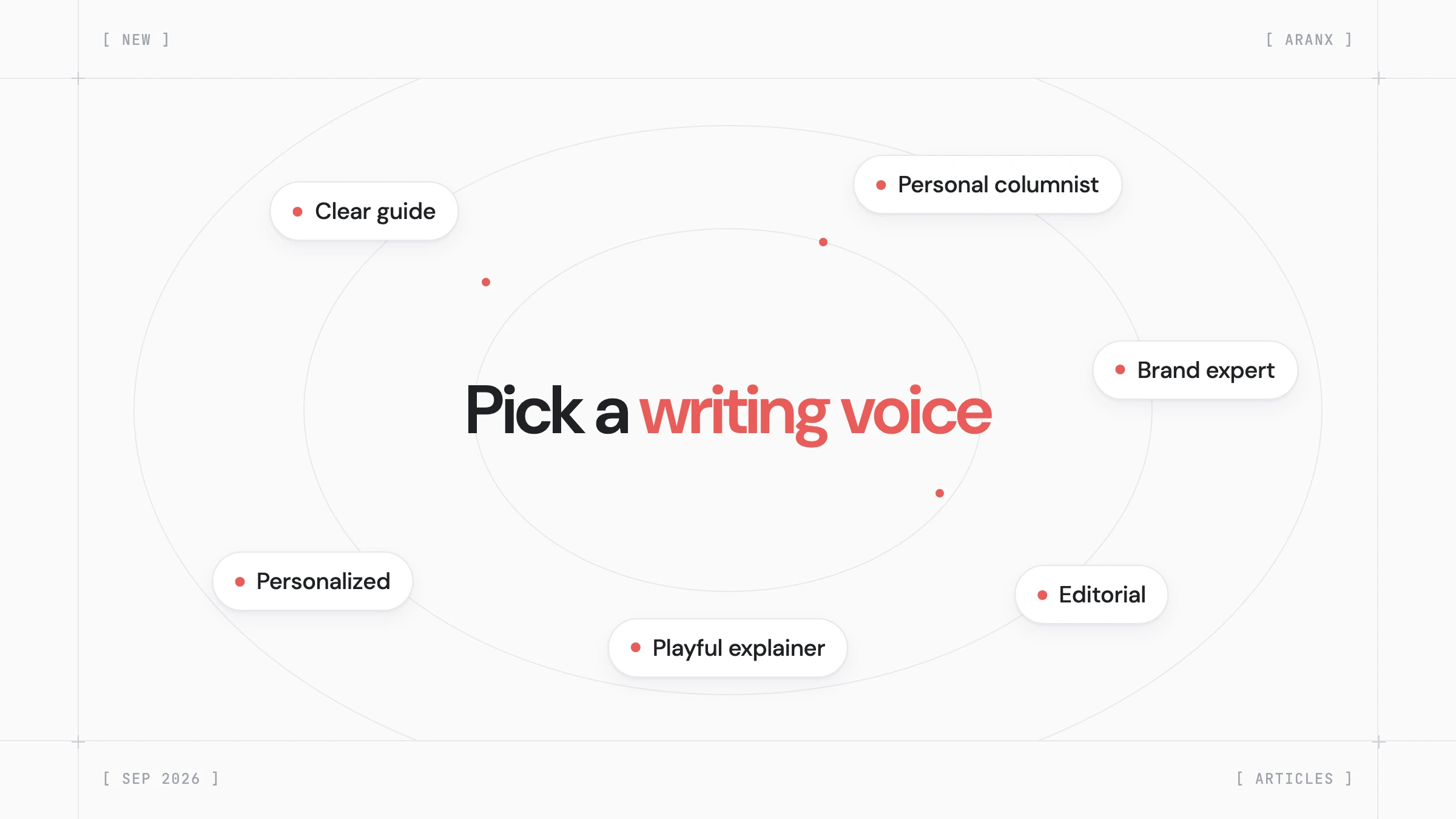
A writing voice sets how your articles sound. It decides who speaks, how the article addresses the reader, and how formal and warm the tone is. Aranx saves your choice as soon as you click it.
Writing voice
Choose the voice for your articles. Selections and personalized changes save automatically.
 Clear guide
 Personal columnist
 Brand expert
 Editorial
 Playful explainerCreate your ownYour writing preferences
Brand expert
A professional team voice with measured advice.
In the sidebar, click Articles, open the Settings tab, and click Style.
Personalized voice
Fine-tune your voice. These settings stay here when you switch to a preset.
Author voice
Who speaks in your articles. First person does not imply firsthand experience.
Formality
How casual or formal the wording feels.

